
Features Of IndusInd Net Banking
IndusNet is an easy-to-use net banking service introduced by IndusInd to help its customers save precious time which is otherwise wasted on making trips to the bank. Customers can carry out variety of banking related activities from the convenience of the home or office. Some of the features of IndusNet are:
Account Enquiry
IndusNet enables you to control and monitor your account online, wherever you may be. You can view your account summary online and monitor your transactions, view your transaction history and download account statements dating back to the past 12 months, view images of cheques issued, and also view the details of your debit card like transaction limits, reward points, status, IndusMoney balance, etc.
Financial Transactions
Online fund transfers can now be done in a jiffy with the help of IndusNet. You can transfer money, to and from your own IndusInd account, to other IndusInd bank account and also to third party bank accounts held with other banks. Online fund transfers, which can also be scheduled to be carried out at pre-specified dates or intervals, will be done via NEFT, RTGS or IMPS. You can add and manage beneficiaries to whom regular fund transfers have to be made. You can make credit card bill payments via fund transfers.
Utility Bill Payments
Payment of bills was never this easy as it is now with IndusNet BillPay. This is the bill payment service which comes under IndusNet and allows customers to pay off a variety of utility bills on a convenient and secure basis. With this facility, you can register you regular billers, make utility bill payments (electricity, mobile phone bills, DTH connection, telephone bill, etc.), receive alerts when payments are due to any biller, make instant bill payments, view your bill payment history, view your billing history and also set an automatic schedule for payments to be made on a recurring basis.
Service Requests
Place a request for a new cheque book, stop payment of cheques, request for a Demand Draft.
Via IndusNet online banking, you can notify the bank towards the loss of a debit/ATM card, request to get your Debit/ATM card activated for shopping and place requests for redemption of Reward points.
You can request for your account statement, inform the bank about a change your registered address, register for mobile alerts, request for changing your IndusMoney Limit, notify the bank about a change in your contact number / email ID, etc.
Via IndusNet, you can request to open a new Fixed Deposit account, request for a Sweep-in Deposit or for grouping of Customer IDs.
How to register for IndusInd bank net banking ?
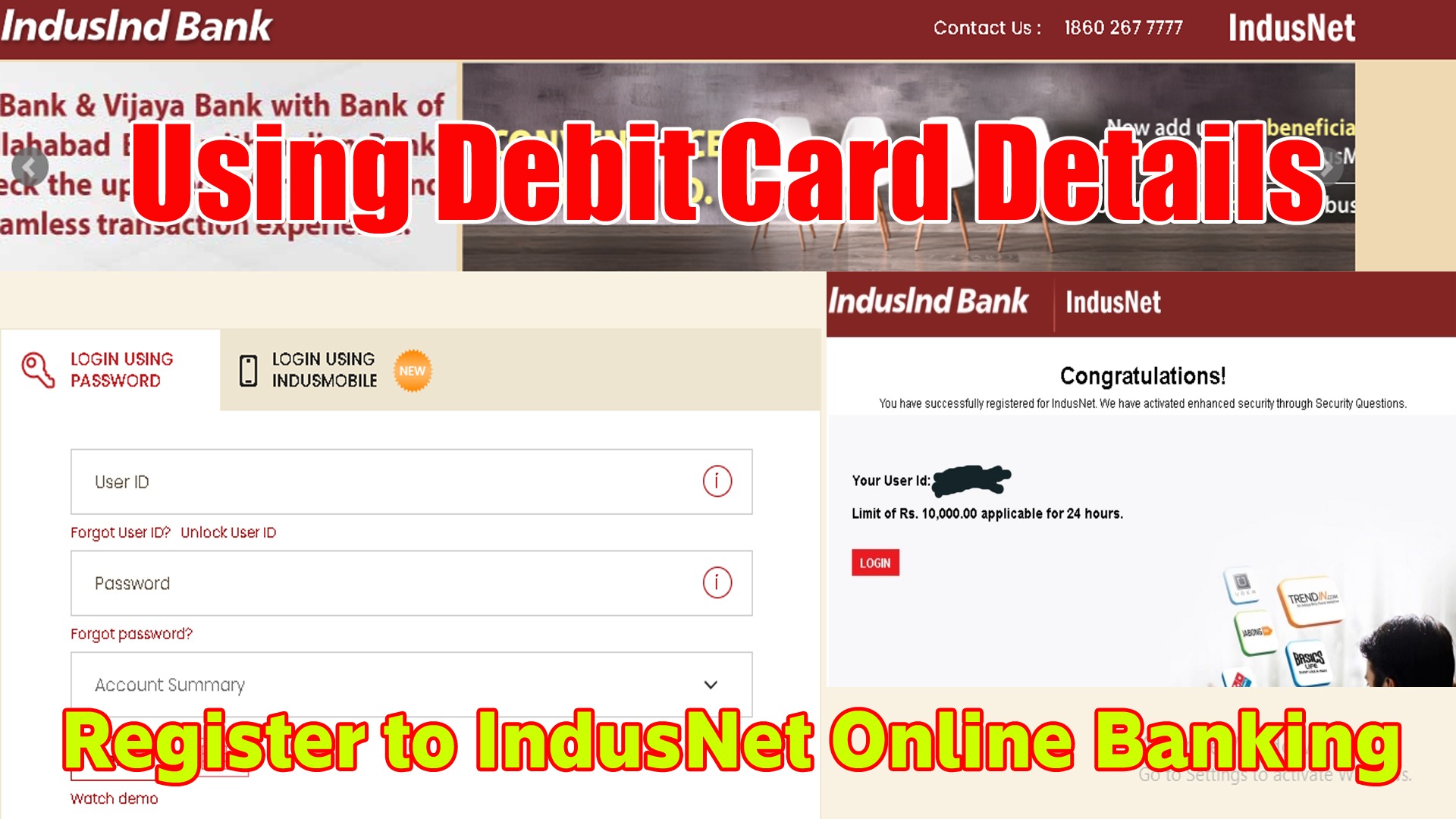
- Step 1: Visit the official online banking site of IndusInd Bank at www.indusind.com.
- Step 2: Click on the ‘Continue to IndusNet’ button to land on the login page.
- Step 3: Enter your debit/ATM card details to register with IndusNet.
- Step 1: Enter your username and password.