
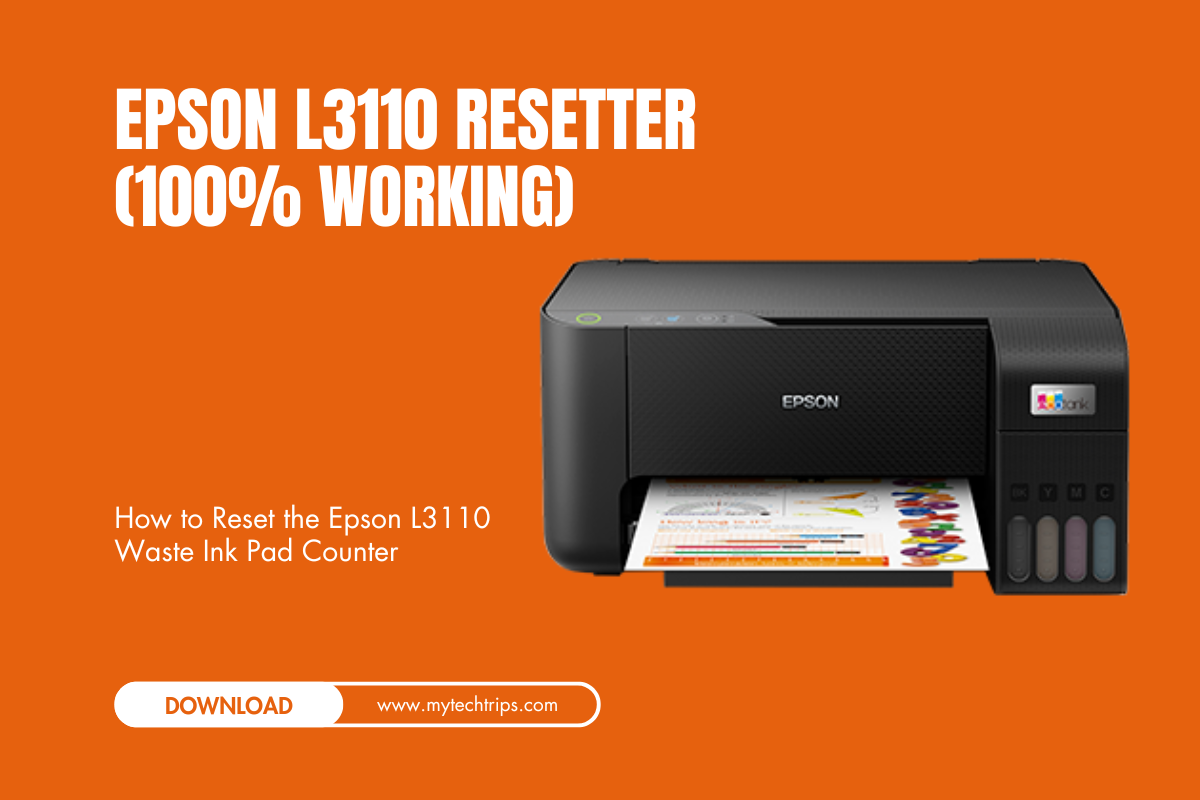
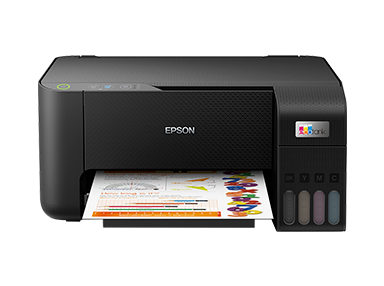
If your Epson L3110 printer is displaying a “Service Required” message or blinking red lights, it’s likely due to the waste ink pad counter reaching its limit. This counter tracks the amount of ink collected during cleaning cycles, and when it deems the pad full, the printer stops functioning to prevent ink overflow. To resolve this, you can reset the counter using specialized software.
Contents
🛠️ How to Reset the Epson L3110 Waste Ink Pad Counter
Option 1: Epson L3110 Adjustment Program (Resetter Tool)
This official utility allows you to reset the waste ink pad counter.
Steps:
- Download the Resetter Tool: Obtain the Epson L3110 resetter tool from a reputable source.
- Disable Antivirus Temporarily: Some antivirus programs may flag the tool. Temporarily disable your antivirus to prevent interference.
- Extract the Files: Use extraction software like WinRAR to extract the downloaded ZIP file.
- Run the Program: Open the extracted folder and run the executable file (e.g.,
AdjProg.exe). - Select Your Printer Model: Choose “Epson L3110” from the list of models.
- Access Particular Adjustment Mode: Click on “Particular adjustment mode” and select “Waste Ink Pad Counter.”
- Check and Initialize: Check the box for “Main pad counter,” click “Check,” then click “Initialize.”
- Finish the Process: After initialization, turn off the printer, wait a few seconds, and turn it back on.
Password: sbz
Epson Resetter:
Video Tutorial
For a visual guide on resetting the Epson L3210 printer, you can watch the following video:
Download Other Resetter
- Epson L3210 Resetter
- Epson L380 Resetter
- Epson L3110 Resetter
- Epson L3115 Resetter
- Epson L3116 Resetter
- Epson L3150 Resetter
- Epson L3160 Resetter
- Epson L360 Resetter
- Epson L220 Resetter
- Epson L210 Resetter
- Epson L405 Resetter
- Epson L805 Resetter
- Epson L4150 Resetter
- Epson L4160 Resetter
- Epson L120 Resetter
- Epson PM235 | PM245 Resetter
- Epson L810 | L850 Resetter
⚠️ Important Considerations
- Use Trusted Sources: Only download reset utilities from reputable websites to avoid malware.
- Antivirus Warnings: Some reset tools may trigger antivirus alerts. Ensure you trust the source before proceeding.
- Physical Ink Pad: Resetting the counter doesn’t empty the physical ink pad. If the pad is saturated, consider replacing it or installing an external waste ink tank to prevent ink overflow.
- Warranty Implications: Using third-party reset tools may void your printer’s warranty. Proceed with caution and consult Epson support if unsure.
- Anza Energy Football shoes
- Anza Zomba football boots
- Free recharge agent with high margin
- Top 5 Free Responsive Bootstrap 5 HTML5 Admin Template
- DarkPan – Free Bootstrap 5 Admin Dashboard Template
- Sneat – Free Responsive Bootstrap 5 HTML5 Admin Template
- Mazer – Free Bootstrap 5 HTML5 Admin Dashboard Template
- KaiAdmin – Free Responsive Bootstrap 5 Admin Dashboard Template
- DattaAble – Free Responsive Tailwind CSS Admin Template
- QR Code Generator – Customizable QR Codes with Logo